Understanding the Basics of Insta360 Cameras
What is an Insta360 Camera?
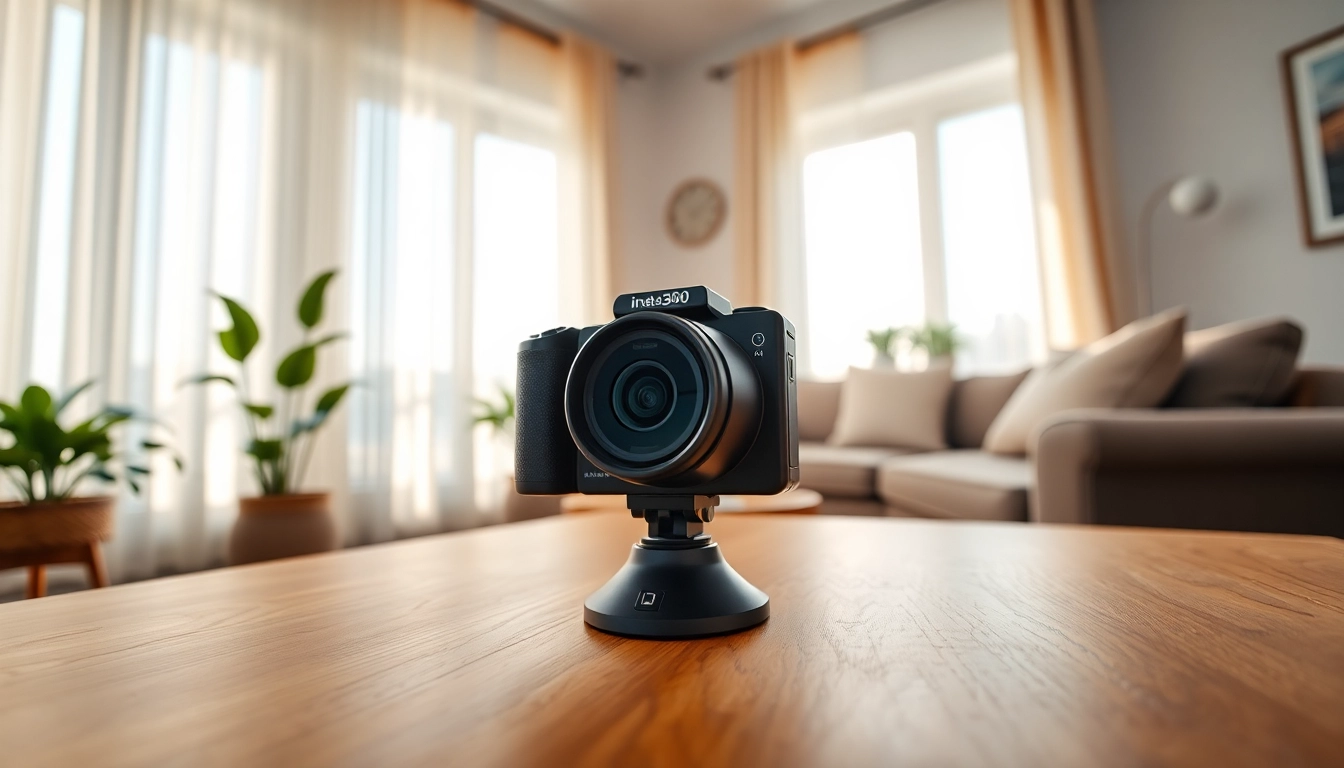
Insta360 cameras represent a revolutionary approach to photography and videography, enabling users to capture immersive 360-degree content. Unlike traditional cameras, which limit the field of view to a single perspective, Insta360 cameras utilize multiple lenses to render a complete picture, offering a panoramic view of your surroundings. This feature makes them ideal for action shots, travel photography, and virtual experiences that require a full-dimensional capture.
Key Features to Look For
When selecting an Insta360 camera, several features enhance the overall shooting experience. Key attributes include:
- Lens Quality: Look for lenses that provide high resolution and low distortion for optimal image quality.
- Stabilization Technology: Advanced stabilization systems help eliminate shaky footage, crucial for dynamic action shots.
- Editing Software: Robust editing capabilities allow users to enhance and manipulate their footage seamlessly.
- Battery Life: Longer battery life ensures sustained shooting, especially during adventures.
- Portability: Lightweight and compact designs make these cameras travel-friendly.
How Insta360 Cameras Work
Insta360 cameras operate using a combination of multiple lenses and sensors to capture images and videos. Each lens captures its perspective, which is then stitched together using sophisticated algorithms to create a seamless 360-degree image. The intuitive controls on these devices simplify the shooting process, allowing even beginners to navigate effortlessly through available settings and modes.
Setting Up Your Insta360 Camera
Unboxing and Initial Setup
The unboxing experience of an Insta360 camera is designed to excite users. Once you’ve unpacked the camera, you usually find the camera body, charging cable, mounts, and a quick-start guide. Begin by charging the camera fully. Next, install any accompanying software or mobile app to facilitate an enhanced user experience, enabling features like live streaming or direct sharing.
Connecting to Your Device
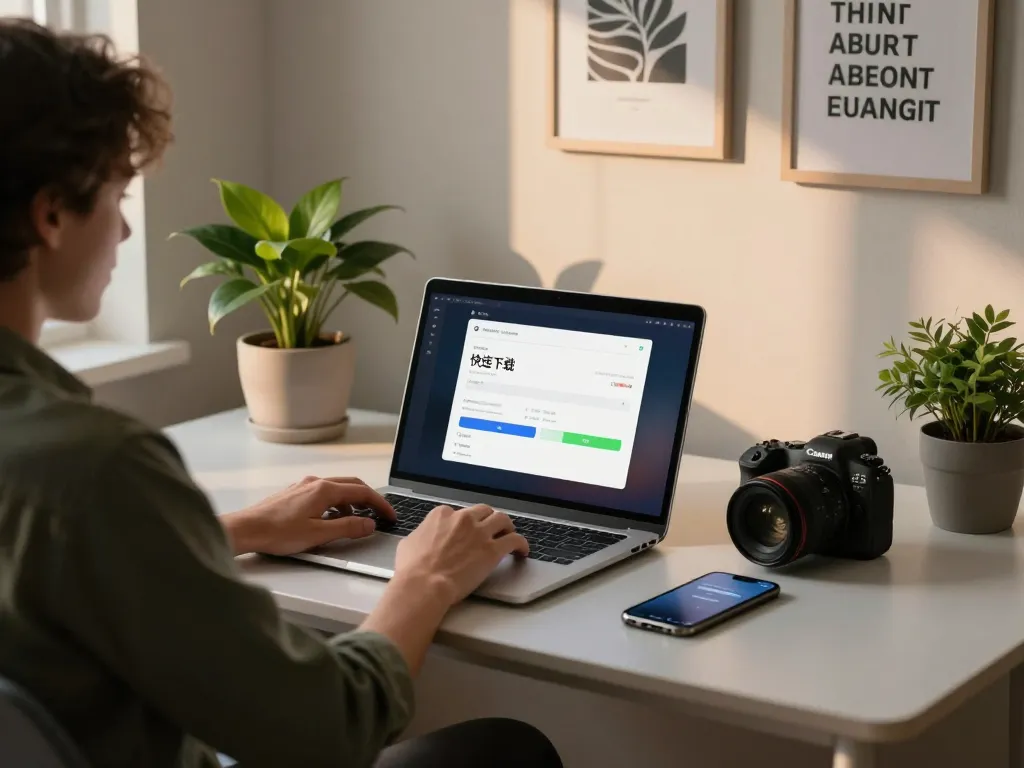
Connecting your Insta360 camera to other devices is typically straightforward. Most models offer Wi-Fi and Bluetooth connectivity. Ensure that you download the corresponding app onto your smartphone or tablet, and follow the on-screen instructions for pairing with your camera. Once connected, users can easily manage camera settings and transfer content wirelessly.
Tips for Camera Calibration
To ensure optimal performance, it’s important to calibrate your camera. Follow the manufacturer’s instructions for calibration, which usually involve adjusting settings based on your shooting environment. Utilization of features like horizon leveling and lens calibration helps maintain accuracy in the captured content, enhancing image quality.
Using Insta360 for Exceptional Photography
Choosing the Right Shooting Mode
Insta360 cameras offer a variety of shooting modes tailored for different environments and creative needs. Portraying stunning timelapses, capturing high-resolution 360-degree photos, or shooting in bullet-time are some of the exciting functions available. Experimenting with each mode allows users to discover which aligns best with their projects.
Enhancing Images with Editing Tools
Your experience doesn’t end after capturing footage. Finding the right editing tools is critical for enhancing the final outcome. Insta360 provides powerful editing software that includes features such as motion tracking, color correction, and adding effects. It’s vital to spend time familiarizing oneself with these tools to elevate the storytelling aspect of your content.
Best Practices for Capturing 360-Degree Content
To create truly immersive 360-degree content, several best practices should be followed:
- Lighting: Natural lighting typically yields better results. Avoid harsh shadows.
- Stable Surface: Use tripods or other stabilizing equipment to reduce image distortion.
- Stay Centered: Position yourself centrally to enhance the viewer’s experience.
- Plan Your Shots: Storyboarding your shoot increases the quality of your output.
Sharing and Engaging with Insta360 Content
How to Share on Social Media
Sharing 360-degree content on social media can amplify your digital footprint. Platforms such as Facebook, YouTube, and Instagram support 360-degree videos, allowing for immersive audience interaction. When sharing, utilize appropriate tags and descriptions to maximize reach.
Creating Immersive Experiences
Creating immersive experiences goes beyond sharing images; it invites viewers into unique narratives. Consider creating interactive stories that encourage users to engage actively by swiping or tilting their devices. This interaction deepens the connection with the audience, leading to higher engagement rates.
Engagement Tips for Your Audience
Engage your audience by soliciting their opinions on different content types or topics. Ask questions that encourage commentary, or conduct polls to shape upcoming projects. Regular interactions keep your audience coming back, fostering a loyal community.
Advanced Tips for Using Insta360
Integrating with VR Platforms
Insta360 cameras are well-suited for virtual reality (VR) integration, expanding the potential audience for your content. Using compatible platforms, your 360-degree footage can be transformed into immersive VR experiences. Familiarizing yourself with VR standards ensures smooth transitions from video creation to a VR-ready format.
Utilizing Accessories and Add-ons
Accessories such as tripods, mounts, and external microphones can considerably enhance capturing capabilities. Investing in high-quality add-ons allows you to explore diverse shooting scenarios while improving stability and sound quality.
Measuring Performance and Impact
It is vital to measure the impact of your content. Analyze performance metrics such as views, likes, shares, and comments across platforms. Utilizing analytics tools allows you to understand audience preferences and adjust content strategies accordingly, ensuring impactful visual storytelling.
Frequently Asked Questions
What is unique about Insta360 cameras?
Insta360 cameras capture 360-degree images and videos, allowing for immersive content that can be viewed on various platforms, unlike standard cameras.
Can I edit 360-degree videos easily?
Yes, Insta360 provides user-friendly editing software with intuitive tools, making it simple to enhance and manipulate your 360-degree content.
Are Insta360 cameras suitable for beginners?
Absolutely! Insta360 cameras are designed with user-friendly interfaces that cater to beginners as well as experienced photographers.
What types of accessories do I need?
Useful accessories include tripods, mounts, external microphones, and protective cases to enhance shooting quality and ease of use.
How do I share my content on social media?
Simply export your 360-degree videos and photos from the Insta360 app and upload them to supported social media platforms for immersive sharing.