Apple’s transition to its own silicon marked a huge turning point in computing. The introduction of the M1 chip in 2020 was revolutionary, and the subsequent M2 chip continued to push the boundaries of performance and efficiency. For MacBook buyers in 2025, understanding the differences between m1 chip vs m2 is crucial before making a purchase. This article provides an expert, detailed comparison suitable for both tech enthusiasts and everyday users.
Understanding the M1 Chip: Apple’s First Silicon Leap
The M1 chip represented Apple’s first major move away from Intel processors. This system-on-a-chip (SoC) combined the CPU, GPU, Neural Engine, and RAM into a single unified architecture. The main benefits included energy efficiency, speed improvements, and tighter integration with macOS.
Key Features of the M1 Chip
- CPU: 8 cores (4 high-performance, 4 high-efficiency)
- GPU: 7-core or 8-core integrated graphics
- Neural Engine: 16-core for AI and machine learning tasks
- Unified Memory: Up to 16GB RAM
- Battery Efficiency: Significantly improved battery life in MacBooks
- Performance: Fast app launches, smooth multitasking, and efficient media editing
The M1 chip was praised for offering desktop-level performance in ultrathin laptops, providing a perfect balance between speed and energy consumption.
Introducing the M2 Chip: Apple’s Next-Generation Power
Released in 2022, the M2 chip builds on the foundation of the M1. It delivers enhanced performance, improved graphics, and better efficiency. Apple designed the M2 to handle more demanding applications while remaining energy-efficient, ideal for professionals and students alike.
Key Features of the M2 Chip
- CPU: 8 cores (4 performance, 4 efficiency), slightly faster than M1
- GPU: 10-core integrated graphics option for smoother visuals
- Neural Engine: 16-core, optimized for faster machine learning
- Unified Memory: Supports up to 24GB RAM
- Media Engine: Enhanced hardware for video encoding and decoding
- Battery Life: Comparable to M1, slightly better efficiency in heavy workloads
The M2 chip is designed for those who need extra graphics performance, larger memory capacity, and improved speed for demanding applications such as video editing, gaming, or software development.
M1 Chip vs M2: Performance Comparison
Performance is often the key deciding factor for MacBook buyers. Let’s break down how these two chips compare across different tasks.
CPU Performance
The M2 chip offers slightly faster CPU performance due to higher clock speeds and improved efficiency cores. In real-world tests:
- M1: Handles general productivity tasks like web browsing, document editing, and video calls effortlessly.
- M2: Provides noticeable improvements in tasks such as software compilation, coding, and multitasking with multiple apps open.
GPU Performance
Graphics improvements are one of the major differences:
- M1: 7 or 8 GPU cores deliver excellent graphics for general use, light gaming, and creative work.
- M2: 10 GPU cores allow smoother rendering in video editing software, more fluid gaming, and enhanced visual effects.
Neural Engine and AI Tasks
Both chips have 16-core Neural Engines, but the M2 executes AI tasks more efficiently. Applications using machine learning, such as image recognition or predictive text, run faster on M2.
Real-World Example
Consider a student editing a 4K video for a school project:
- On an M1 MacBook, rendering a 5-minute clip might take around 10 minutes.
- On an M2 MacBook, the same task could finish in about 7 minutes, saving valuable time.
This difference is subtle but noticeable for anyone regularly working with demanding applications.
Memory and Storage Differences
The M1 supports up to 16GB of unified memory, which is sufficient for everyday tasks and light multitasking. However, for professional applications or multiple high-demand apps, the M2’s 24GB memory support makes a real difference. This ensures smoother performance when working with large files, multiple virtual machines, or heavy creative software.
Storage speeds remain similar, with both chips using ultra-fast SSDs that ensure quick boot times and file transfers.
Energy Efficiency and Battery Life
One of the standout features of Apple Silicon is efficiency. Both M1 and M2 MacBooks offer impressive battery life.
- M1 MacBook Air: Up to 18 hours of usage
- M2 MacBook Air: Slight improvement with up to 19 hours under normal use
For students and professionals on the go, both chips provide all-day battery life without compromising performance.
MacBook Models Featuring M1 and M2
Understanding which MacBook models use each chip helps in choosing the right device.
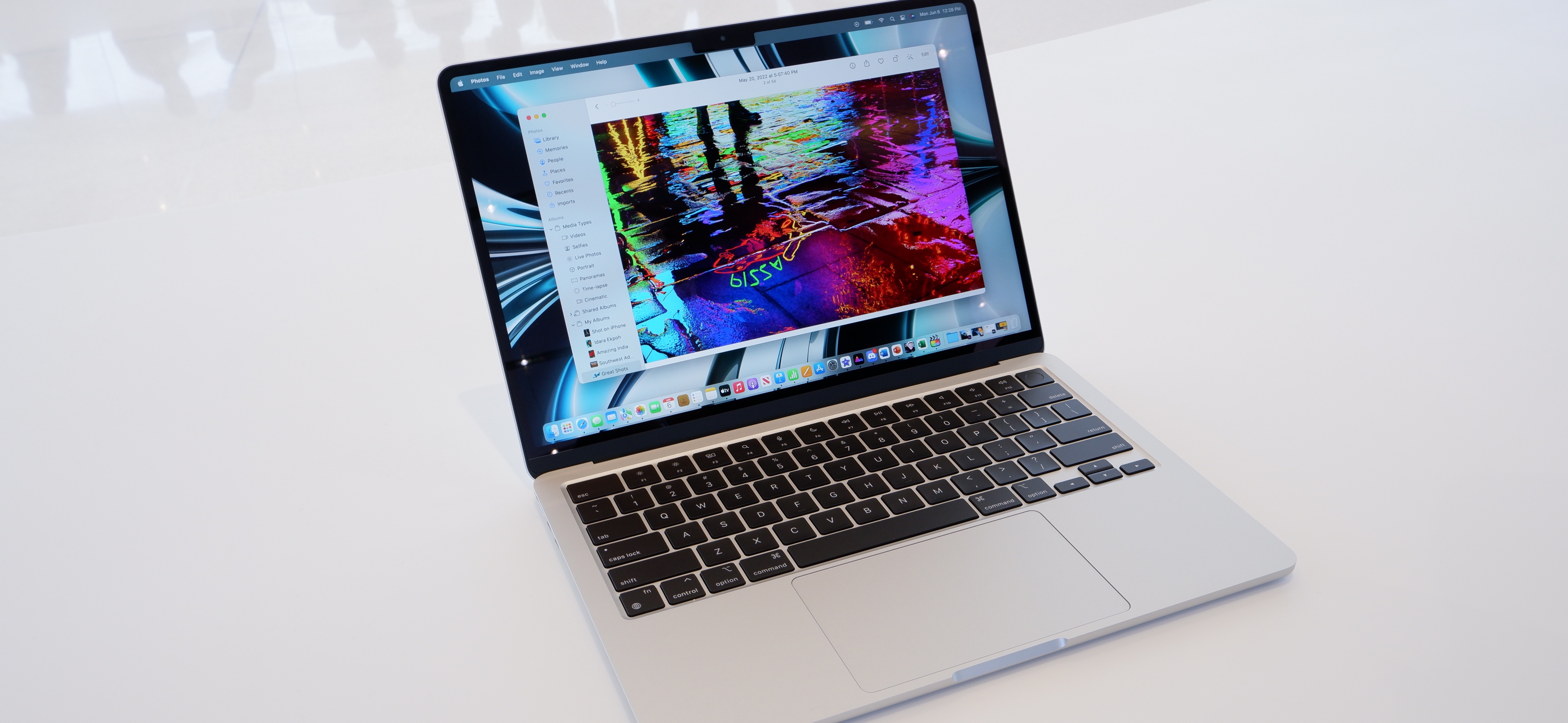
- M1 MacBooks: MacBook Air (M1, 2020), MacBook Pro 13-inch (M1, 2020)
- M2 MacBooks: MacBook Air (M2, 2022), MacBook Pro 13-inch (M2, 2022)
The M2 chip appears in newer models, offering improved features and performance for those ready to invest in the latest technology.
Gaming and Creative Work
While Apple Silicon is not traditionally for high-end gaming, both M1 and M2 handle many popular games smoothly. The extra GPU cores in M2 make games run at higher frame rates and better graphics quality.
For creative professionals:
- M1: Excellent for photo editing, basic video work, and digital illustration.
- M2: Better for 4K video editing, 3D rendering, and animation tasks.
Price Considerations
The M1 MacBooks are often more affordable, making them ideal for students or casual users. The M2 MacBooks, being newer, come with a premium price, justified by increased speed, improved graphics, and additional memory support.
User Experience and Daily Use
For everyday tasks like browsing, watching videos, or using productivity apps, both M1 and M2 provide a seamless experience. The difference becomes more noticeable in intensive applications, multitasking, or creative work.
- M1: Reliable, energy-efficient, and capable for most users.
- M2: Offers a smoother experience for heavy workloads and professional applications.
Analogy
Think of the M1 chip as a fast car that can comfortably drive in the city, while the M2 chip is like a sports car built for speed on highways and hills. Both get you where you need to go, but the M2 handles complex roads faster.
M1 Chip vs M2: Key Takeaways
- Performance: M2 is faster in CPU, GPU, and AI tasks.
- Memory: M2 supports up to 24GB RAM, better for heavy workloads.
- Battery Life: Both are highly efficient; M2 has a slight edge under heavy use.
- Price: M1 is more budget-friendly; M2 costs more but offers enhanced capabilities.
- Daily Use: For general users, M1 is sufficient; professionals benefit more from M2.
Choosing between M1 chip vs M2 depends on your specific needs, budget, and the tasks you perform regularly.
Performance Benchmarks of M1 Chip vs M2
CPU Speed Comparison
When comparing the M1 chip vs M2, the CPU performance is a major factor. The M2 has a slight edge with higher clock speeds, meaning it completes tasks faster. Users running multiple apps or software for work will notice smoother and quicker performance on the M2 compared to the M1.
Real-World Application Tests
In real-world tests of M1 chip vs M2, applications like video editing and coding show significant improvements on M2. Tasks that take minutes on M1 can be completed more efficiently on M2, making it ideal for professionals needing faster results.
Graphics and GPU Capabilities
Integrated GPU Performance
The GPU is where the M1 chip vs M2 comparison gets interesting. The M2 offers 10-core graphics, which enhances rendering speeds and gaming performance, while M1’s 7 or 8-core GPU is sufficient for light creative work.
Creative Workload Efficiency
When handling photo or video projects, the M1 chip vs M2 difference becomes apparent. M2 allows smoother rendering and less lag, which benefits users working on demanding creative software.
Memory and Multitasking
Unified Memory Benefits
Memory capacity is another key point in the M1 chip vs M2 debate. The M2 supports up to 24GB RAM, compared to M1’s 16GB limit, which allows for heavier multitasking without slowdown.
Multitasking Performance
In practical terms, comparing M1 chip vs M2 shows that the M2 handles multiple open applications, browser tabs, and virtual machines more efficiently than the M1, making it better for users who need serious multitasking power.
Battery Life and Efficiency
Everyday Usage Battery
Battery life is often overlooked when discussing M1 chip vs M2, but it matters for portability. Both chips offer long battery life, but M2 performs slightly better under heavy workloads, lasting longer when running demanding software.
Energy Efficiency Improvements
The M1 chip vs M2 comparison also highlights the energy efficiency of Apple Silicon. Despite increased performance, the M2 remains remarkably efficient, using power intelligently to balance speed and battery longevity.
Price and Value Considerations
Cost vs Performance
When deciding between M1 chip vs M2, price is a key factor. M1 MacBooks are generally more affordable, offering excellent performance for everyday users. M2 models come at a premium but provide additional speed, graphics power, and memory support.
Who Should Upgrade
Understanding M1 chip vs M2 helps buyers choose wisely. Users needing extra power for video editing, gaming, or professional software will benefit from the M2, while casual users or students may find the M1 sufficient for their needs.
FAQs
What is the main difference between the M1 chip vs M2?
The main difference lies in performance and memory. The M2 chip offers faster CPU and GPU speeds, supports more RAM, and provides better efficiency for demanding applications compared to the M1.
Should I buy a MacBook with M1 or M2 chip?
If your work involves heavy video editing, gaming, or software development, the M2 is the better choice. For general productivity, browsing, and media consumption, the M1 is still highly capable and more affordable.
How much faster is M2 compared to M1 in real-life tasks?
Real-life improvements vary by task. On average, CPU-intensive tasks may be around 15% faster, GPU tasks up to 35% faster, and video rendering or AI tasks show noticeable time savings, making M2 a practical upgrade for professionals.
Conclusion
In the debate of M1 chip vs M2, both Apple chips offer impressive performance, efficiency, and user experience. The M1 remains a powerful and budget-friendly choice, ideal for everyday users and students. Meanwhile, the M2 chip provides enhanced performance, graphics, and memory support, catering to professionals, creators, and anyone who requires a bit more power from their MacBook. Ultimately, the choice comes down to your specific needs, tasks, and budget. Apple’s Silicon continues to push boundaries, making both chips excellent choices in 2025. Unlock exclusive guides and tips by heading back to the home screen.