
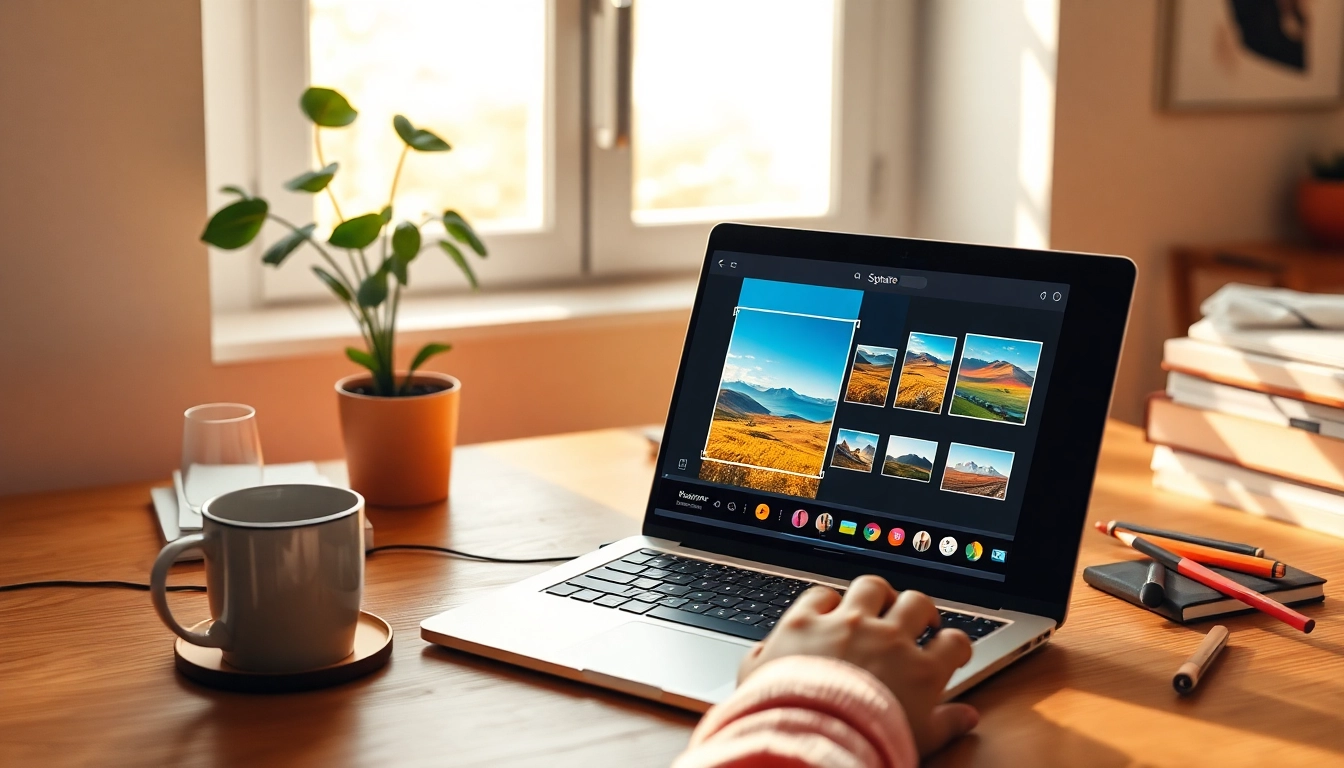
Understanding Square Images
In today’s visually-driven world, having the right image dimensions can significantly impact your digital content’s success. Square images, with their 1:1 aspect ratio, have gained particular favor due to their versatility across various platforms, especially social media. Whether you’re creating a profile picture for Instagram, designing a marketing flyer, or organizing a photo album, understanding how to effectively use square images is crucial. This guide will explore everything you need to know to make image square, helping you elevate your visual content.
What is a Square Image?
A square image is defined by its equal width and height, creating a perfectly balanced visual. This format is particularly effective in modern digital applications where uniformity is key. Social platforms like Instagram and Facebook use square images prominently, as they translate well across different devices, providing a consistent user experience.
Benefits of Using Square Images
- Uniformity: Square images offer a visually appealing symmetry that is easy on the eyes. This consistency is especially beneficial for branding and marketing.
- Versatility: The 1:1 aspect ratio fits various screen sizes, making them ideal for web and mobile use.
- Enhanced Engagement: Posts featuring square images tend to attract more engagement on social media platforms, as they fill the screen effectively and draw attention.
- Easy Framing: Square images allow for easier framing and composition, ensuring your subjects are centered and highlighted appropriately.
Common Misconceptions about Square Images
Despite their popularity, several misconceptions about square images persist:
- Limited Creativity: Some believe that square images restrict creative freedom, but they can actually enhance focus on the subject.
- Only for Social Media: While common on social platforms, square images are equally effective in presentations, websites, and prints.
- Complex to Create: Many think that making an image square is complicated, but with the right tools, it can be quite straightforward.
How to Make Image Square
Creating a square image can be done through several methods, each catering to different needs and preferences. Whether you’re using online tools or image editing software, knowing how to achieve the perfect square can enhance your creative projects significantly.
Step-by-Step Guide to Square Cropping
- Choose Your Image: Start with the image you want to transform. Ensure it has a good resolution to maintain quality.
- Open Your Editing Tool: Use an online tool or software like Photoshop.
- Select the Square Crop Tool: In your tool, select the square crop option. This will constrain your crop to a 1:1 aspect ratio.
- Adjust Your Image: Position the image within the square frame, ensuring that the main subject is centered.
- Apply the Crop: Crop the image and save it in your desired format.
Using Online Tools to Make Your Images Square
Online tools are a convenient option for quickly transforming your images into squares. Websites like The Square Image offer user-friendly interfaces that allow for easy uploads and adjustments without requiring any software installation. Simply upload your image, choose the square crop option, and make your adjustments.
Manual Methods: Adjusting Canvas Size
If you prefer a more manual approach, you can adjust the canvas size in image editing software. To do this:
- Open your image in the editing application.
- Select the canvas size option and make it square, based on the longer side of your image.
- Use the fill options to add color or blur effects to the empty spaces.
- Save your new square image.
Advanced Techniques for Square Images
Once you’ve mastered the basics, you can enhance your images using advanced techniques that add depth and creativity.
Adding Backgrounds: Blur, Color, and More
Adding backgrounds can dramatically alter the presentation of your square images. Consider these options:
- Blur Backgrounds: This technique keeps the focus on your subject while adding a dreamy aesthetic.
- Solid Color Backgrounds: Choose colors that complement your subject to enhance visual appeal.
- Textured Backgrounds: Use patterns or textures to add interest without overwhelming the main subject.
Enhancing Images with Effects
Utilizing effects such as filters, shadows, and highlights can elevate your square images. Experiment with these effects:
- Simple Filters: Apply filters to change the mood of the image.
- Drop Shadows: This effect can create depth and make your subject pop.
- Highlight Adjustments: Enhancing highlights can bring attention to critical parts of your image.
Best Practices for Different Platforms
Different platforms have varying preferences for image formats. Here are best practices to consider:
- Instagram: Use square images consistently to maintain a cohesive aesthetic on your feed.
- Facebook: Square images work well for posts and advertisements, keeping engagement high.
- LinkedIn: Professional square images enhance your profile and posts, making them more visually appealing.
Practical Applications of Square Images
Square images have a wide array of practical applications across personal and professional domains.
Creating Perfect Square Images for Social Media
Social media thrives on engaging visuals. To create stunning square images, consider the following:
- Keep It Simple: Focus on one clear subject to enhance visual clarity.
- Use Captivating Colors: Bright and contrasting colors can attract viewers’ attention.
- Include Text Sparingly: If incorporating text, keep it concise and ensure it’s legible.
Using Square Images in Marketing Materials
Marketing often relies on visuals to convey messages effectively. Square images can be used in:
- Flyers and Posters: They allow for a clean layout, emphasizing promotional content.
- Advertisements: Social media ads benefit from eye-catching square formats.
- Website Banners: Use square images to create balanced and professional web designs.
Incorporating Square Images into Personal Projects
Whether creating a photo book or just organizing your digital gallery, square images can add a polished feel to personal projects:
- Photo Albums: Square formats can give a uniform look to family albums.
- Blogs: Incorporate square images to maintain visual consistency throughout your posts.
- Resumes: Adding a professional square photo can enhance your job applications.
Future Trends in Image Cropping and Design
As we look to the future, emerging technologies and trends will continue to reshape how images are created and used.
Emerging Tools and Technologies for 2026
By 2026, expect to see advanced tools that offer greater customization for square image creation. AI-powered tools will likely become more mainstream, allowing for intelligent cropping and enhancement, giving users even more creative control.
How AI is Changing Image Making Practices
AI is already playing a significant role in digital media, and its influence is expected to grow. Features may include:
- Smart Cropping: Automated suggestions for the best crop to focus on the main subject.
- Adaptive Backgrounds: AI that generates backgrounds that fit the style of your main image.
- Image Enhancement: Tools that intelligently apply adjustments to improve image quality.
Predictions for the Evolution of Square Images
The trend towards square images is likely to continue, given their effectiveness in engaging viewers. As platforms evolve, the demand for high-quality, creatively framed square images will only increase. Staying informed about best practices will help you adapt to these changes effectively.